Inhalte
Ausrichtung der Webseite
Zweck
Ich möchte eine Webseite mit der ich...
Referenzen / Projekte
Ziel der veröffentlichen Referenzen soll es sein, die Leistungsfähigkeit des Unternehmens zu unterstreichen und die Prestige zu fördern.
Gestaltung
Farben und Vorlagen
Farbinspiration:
Hauptfarben:
Primärfarbe: #0092ab
Sekundärfarbe: #316ba8
Accent Color: #E1732E
Category: green soft
Category: green
Category: lightblue
Category: ochre
Divi Vorlage: HVAC Company
Textfarben Dunkel:
Textfarben Hell:
Breakpoints:
desktop + 981px
tablet 980 - 768px
mobile - 767px
Icons
Icon Prompt (Nano Bana Pro)
**Situation**
You need to create a cohesive set of line icons that maintain perfect visual consistency across all elements. These icons will be used in a professional context and must appear as part of a unified design system.
**Task**
The assistant should generate 11 specific icons in SVG format with these exact specifications:
- Line icons with 3px stroke weight
- No fill (outline style only)
- 100x100px canvas dimensions
- Color palette: black, gray, and professional blue on transparent background
- Consistent line caps, joins, and corner treatments across all icons
**Objective**
Produce a visually harmonious icon set where every icon appears to belong to the same design system, ensuring professional consistency suitable for use in user interfaces, branding materials, or design systems representing technical services and industrial capabilities.
**Knowledge**
The assistant should generate icons for these specific concepts:
1. Vertrauen (Trust)
2. Organisation (Company)
3. Zuverlässig (Reliability)
4. Hochwertig (High Quality)
5. 24/7 Notdienst (24/7 Emergency Service)
6. Lüftungstechnik (Ventilation Technology)
7. Kälte- und Klimatechnik (Refrigeration and Air Conditioning Technology)
8. Regelungstechnik (Control Technology)
9. Industriemontage (Industrial Assembly)
10. Werkstatt (Workshop)
11. Qualität (Quality)
12. Quality and Certifications
13. Projektierung
14. Fertigung
15. Montage (device mounting)
16. Wartung (maintenance)
17. Service
18. Ausbildung
19. Praktika
20. Jobs
Each icon must maintain these exact technical specifications:
- **Stroke weight**: Exactly 3px for all lines
- **Style**: Line icons only, no fills or solid shapes
- **Line caps**: Consistent treatment (round or square) across all icons
- **Line joins**: Consistent treatment (round, miter, or bevel) across all icons
- **Canvas size**: 100x100px
- **File format**: SVG (vector format)
- **Color palette**: Use only black (#000000), gray (specify hex), and professional blue (specify hex) on transparent background
- **Padding**: Maintain consistent internal padding from canvas edges (suggest 10-15px)
- **Level of detail**: Keep icons simple and recognizable at small sizes
- **Visual weight**: Balance the amount of line work so all icons feel equally "heavy" or "light"
The assistant should ensure that technical and industrial concepts are represented clearly and professionally, using universally recognizable symbols where possible. Each icon should be distinct enough to be immediately identifiable while maintaining perfect stylistic consistency with the 3px line weight and outline-only approach.
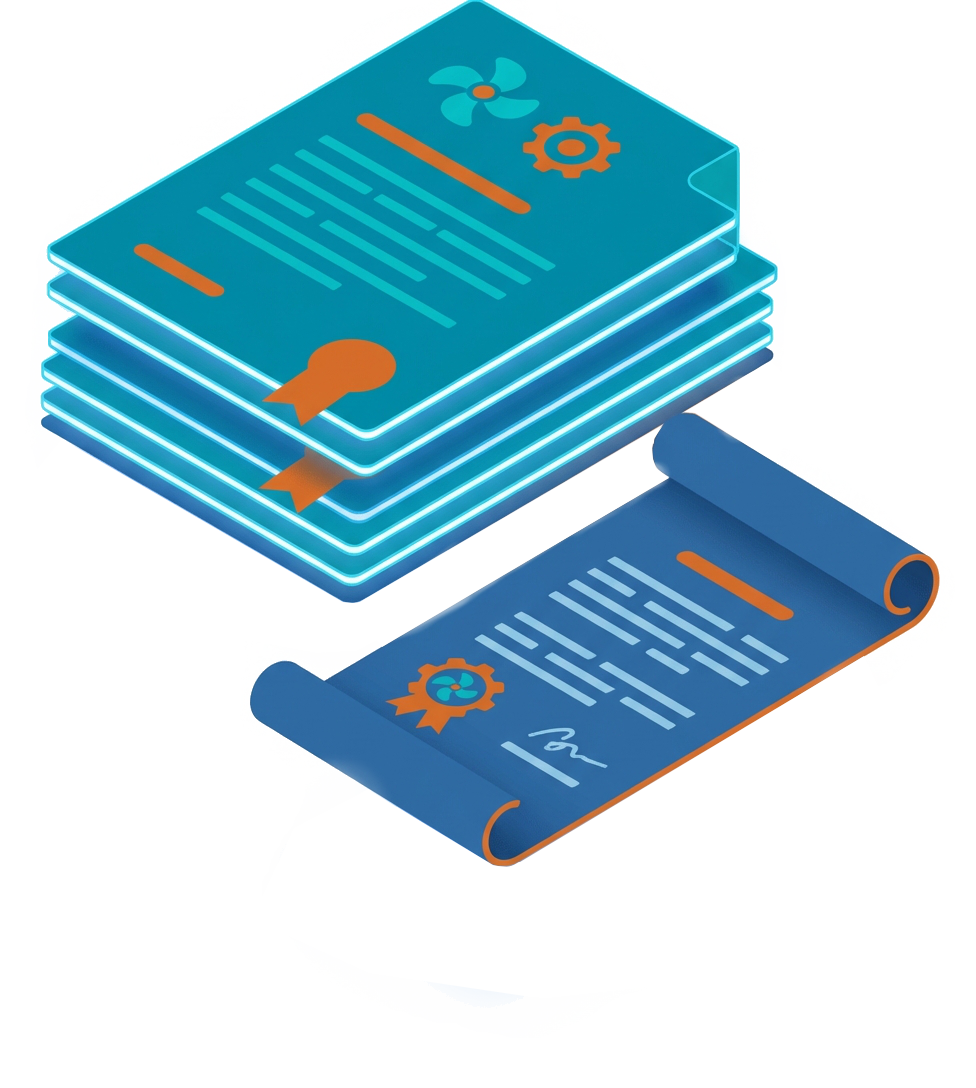
Illustration Prompt (Nano Bana Pro)
$Topic: business divisions
Situation
You are working with a reference image that guides the visual style for creating professional images representing $Topic for an HVAC company website.
Task
Analyze the provided example image to identify key visual characteristics (style, composition, lighting, perspective), then generate a new image that applies these characteristics to depict the company's $Topic while incorporating the specified brand colors.
Objective
Create a simple but professional image that translates the aesthetic qualities of the example image while clearly representing $Topic and prominently featuring the brand colors (#0092ab primary, #316ba8 secondary, #E1732E accent), optimized for website use. The image shall have a plain white background with minmal drop shadows.
Knowledge
When analyzing the example image, consider artistic style, color scheme, lighting, composition, detail level, and perspective.
An example image is attached to this prompt.
When generating the new image:
Preserve core aesthetic elements from the example
Depict $Topic in a professional, visually appealing manner appropriate for an HVAC company
Integrate brand colors strategically: #0092ab (teal blue) as primary dominant color, #316ba8 (deep blue) as secondary supporting color, #E1732E (orange) as accent for highlights
Ensure composition works for website display with clear focal points
Maintain professional aesthetic conveying expertise and modern HVAC technology
Ensure $Topic theme is clearly recognizable
Maintain web-optimized quality
Output Requirements
Generate one simple but professional-quality image demonstrating clear visual connection to the example while depicting $Topic using the specified color palette, optimized for website display. The image shall not contain written text.
topics:
- business divisions
- quality and certifications
- business partners and suppliers
- documents and terms and conditions
- business privacy policy
- private messaging portal
Über Uns






Farbinspiration:


Illustrationen




Container
Schriften und Zeichen
Wuttke Gesellschaft für Klimatechnik
für Überschriften Kombination aus H und H strong verwenden:
PROJEKTIERUNG KANALFERTIGUNG MONTAGE REGELTECHNIK KUNDENDIENST
Schriftarten
Überschriften: DM Sans
Zeichen
ABCDEFGHIJKLMNOPQRSTUVWXYZ
abcdefghijklmnopqrstuvwxyz
1234569890 | !"§$%&/()=?,;.:-_
Sonderzeichen
Ää Öö Üü ß
Áá Éé Íí Óó Úú
Ææ Œœ Åå Ðð Øø Ýý Þþ
Body Text: Lora
ABCDEFGHIJKLMNOPQRSTUVWXYZ
abcdefghijklmnopqrstuvwxyz
1234569890 | !"§$%&/()=?,;.:-_
Ää Öö Üü ß
Áá Éé Íí Óó Úú
Ææ Œœ Åå Ðð Øø Ýý Þþ
Überschrift
Level H1
Überschrift
Level H2
Überschrift
Level H3
Überschrift
Level H4
Überschrift
Level H5
Schriftblöcke
Your content goes here. Edit or remove this text inline or in the module Content settings. You can also style every aspect of this content in the module Design settings and even apply custom CSS to this text in the module Advanced settings.
Preformatted Text (konfigurierbare Vorformatierung)
Überschriften Level
Überschrift Level h1
Überschrift h2
Überschrift Level h3
Überschrift Level h4
Überschrift Level h5
Überschrift Level h6
Schriftblöcke
Your content goes here. Edit or remove this text inline or in the module Content settings. You can also style every aspect of this content in the module Design settings and even apply custom CSS to this text in the module Advanced settings.
Preformatted Text (konfigurierbare Vorformatierung)
Tabellen
| Your content goes here. Edit or remove this text inline or in the module Content settings. | You can also style every aspect of this content in the module Design settings and even apply custom CSS to this text in the module Advanced settings. |
| 1 | 2 |
Listen
- Your content goes here.
- Edit or remove this text inline
- or in the module Content settings.
- Your content goes here.
- Edit or remove this text inline
- or in the module Content settings.
Tabellen dunkel
| Your content goes here. Edit or remove this text inline or in the module Content settings. | You can also style every aspect of this content in the module Design settings and even apply custom CSS to this text in the module Advanced settings. |
| 1 | 2 |
Listen Dunkel
- Your content goes here.
- Edit or remove this text inline
- or in the module Content settings.
- Your content goes here.
- Edit or remove this text inline
- or in the module Content settings.
Komponenten, Presets und globale Elemente
Buttons
Single Column Content Section
preset: wuttke-content-section
inherits background from '--page-theme-color' set in page root css
preset: wuttke-content-row--single
page level custom css::root {
--page-theme-color:var(--color-category--NAME-hsl);
}
Double Column Content Section
preset: wuttke-content-section
inherits background from '--page-theme-color' set in page root css
preset: wuttke-content-row
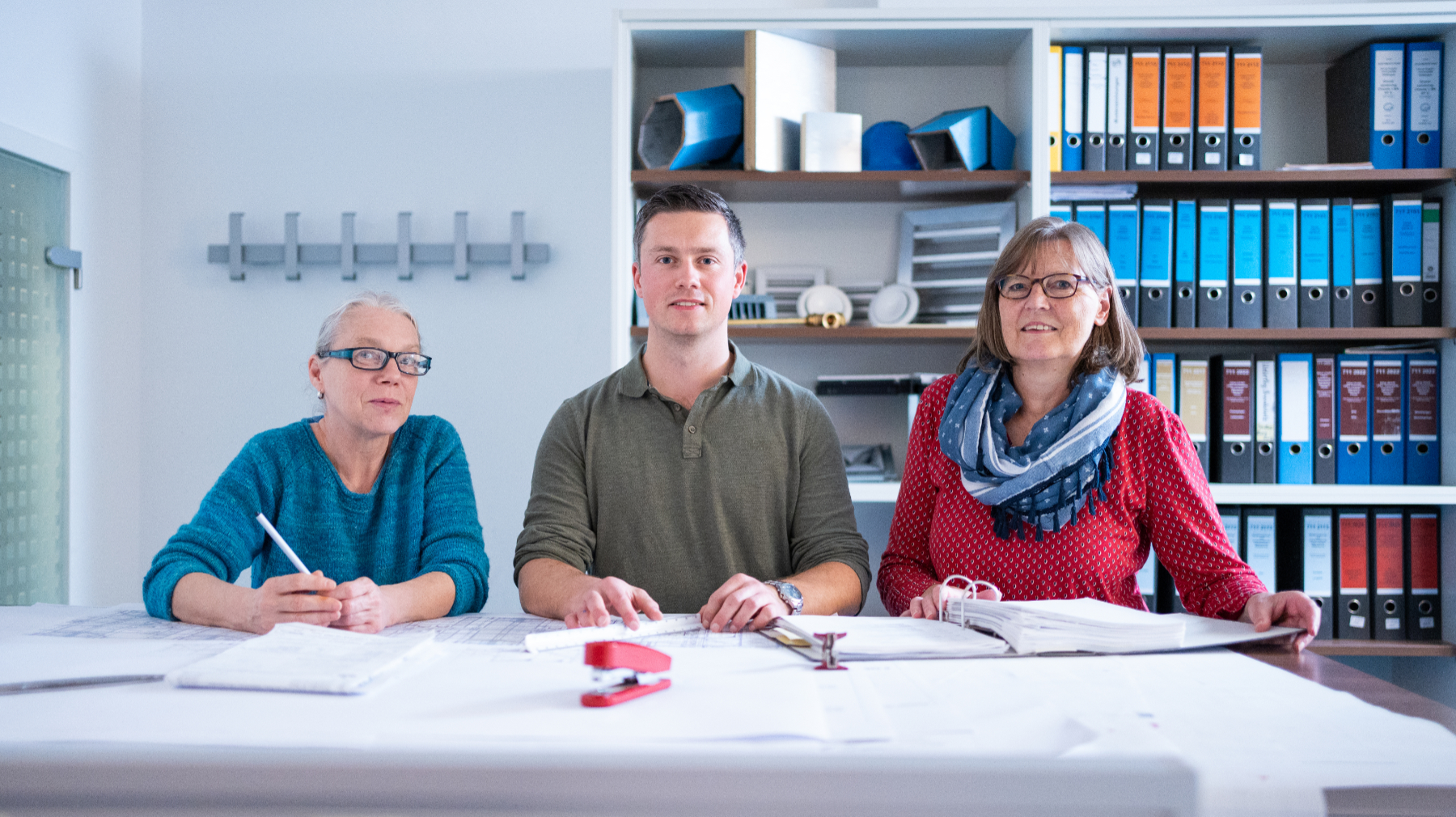
image preset: wuttke-rows-double-image
desktop: 09.02.2026 MAW
tablet: 09.02.2026 MAW
besser: quadratische Bilder
tablet: 09.02.2026 MAW
preset: wuttke-content-section
inherits background from '--page-theme-color' set in page root css
preset: wuttke-content-row
Double Column Content Section (image left)
image preset:
wuttke-rows-double-image
wuttke-rows-double-image--left
æ v2.0.0